
How to replace LCD connector on a A1465 MacBook Air
|
6 Answers 16 Score |
How do I reset firmware password (EFI) on my MacBook Air A1369 |
|
5 Answers 15 Score |
Upgrading Memory on MacBook Air 2011 11 inch Model |
|
2 Answers 0 Score |
MacBook Air suddenly won’t turn on but is still charging |
|
6 Answers 3 Score |
Water spill, keyboard and track pad not working |
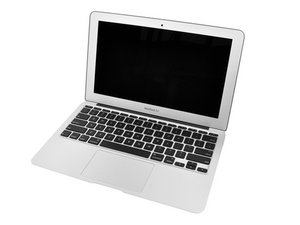
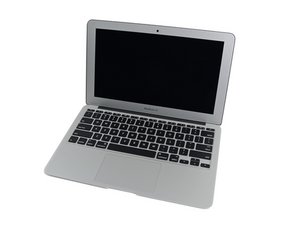
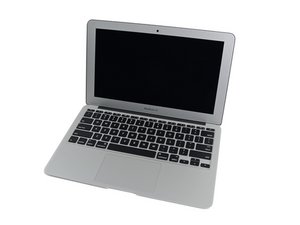
Apple introduced the 11" MacBook Air on October 20, 2010, as a lighter, handier version of their super-thin 13" Air. While the performance and battery life of the smaller model were diminished relative to the 13 inch version, the laptop exceeded the performance of other netbooks at the time. The 11 inch model included just an input/output headphone jack, a MagSafe charging port, and two USB 2.0 ports.
The 11 inch variation of the MacBook Air wasn’t included until the second generation of the line, which coincided with the MacBook Air’s transition to Apple’s entry level offering. In 2011, the 11 and 13 inch Air models were updated and the plastic white MacBook discontinued. Being offered at a lower cost than the Pro models, the 11 inch MacBook Air became the cheapest way to enter the Apple ecosystem at the time.
In 2012, the Airs were upgraded to include i5 and i7 Intel processors, USB 3.0, faster memory and flash storage speeds, and the newer MagSafe 2 charging port. For the next five years, the form of the MacBook Air 11” remained relatively unchanged (with the exception of a Thunderbolt 2 port in 2015) until it was discontinued in 2017.
Apple has a nifty tool available if you need help identifying your MacBook Air.
Past 24 Hours: 29
Past 7 Days: 287
Past 30 Days: 1,162
All Time: 609,691